Include Tax In Submission Rates And Totals
When submitting a project, you may be required to include a Sales Tax in the final values. To apply a Sales Tax to your project navigate to the Tax Information section in the Project Properties.
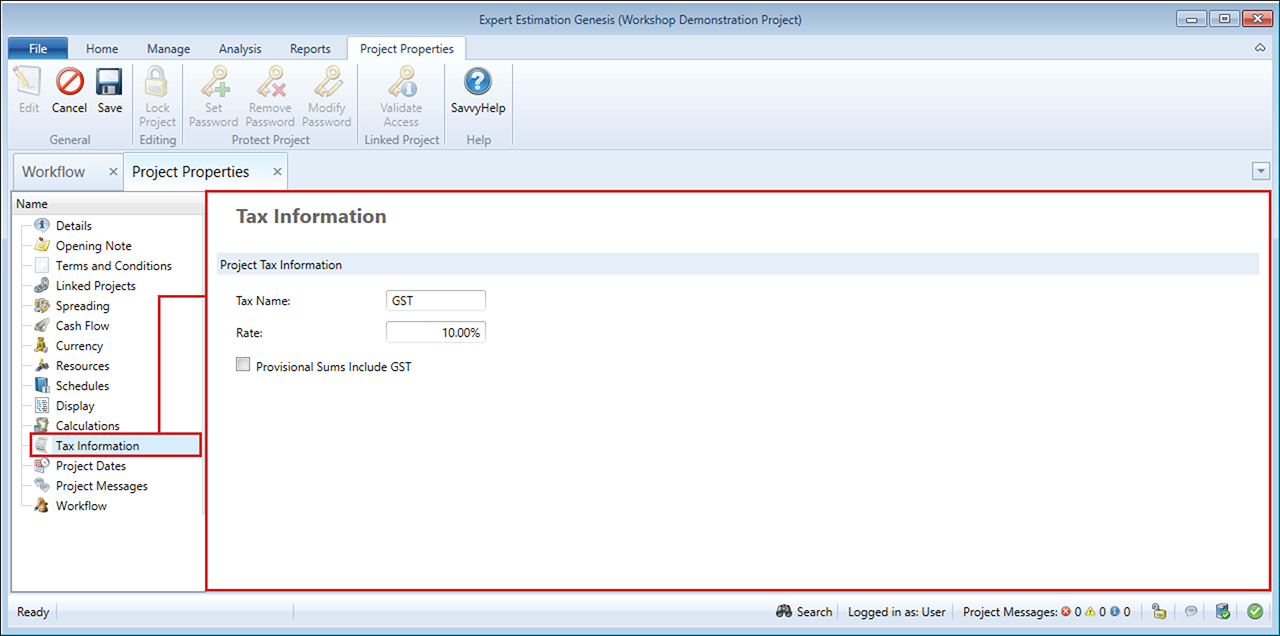
Project Properties – Tax Information section
Once a project has Sales Tax applied, the Spread Results displays information within the Sell Rate Including Sales Tax and Sell Total Including Sales Tax columns, where Sales Tax is set to the name defined in the Project Properties – Tax Information window. The Spread Results window will also display the total value of tax per item, under the Tax Amount column.